TestNow™ – an OpenEDG Testing Service
TestNow™ is an online testing system that enables you to take OpenEDG and OpenEDG industry and education partners' exams in a secure environment. Scheduling requirements depend on the exam and its delivery mode.
Depending on the exam and its delivery mode, you may take it at home or at an authorized testing center. Check the applicable Exam Information and Testing Policies for the available options.
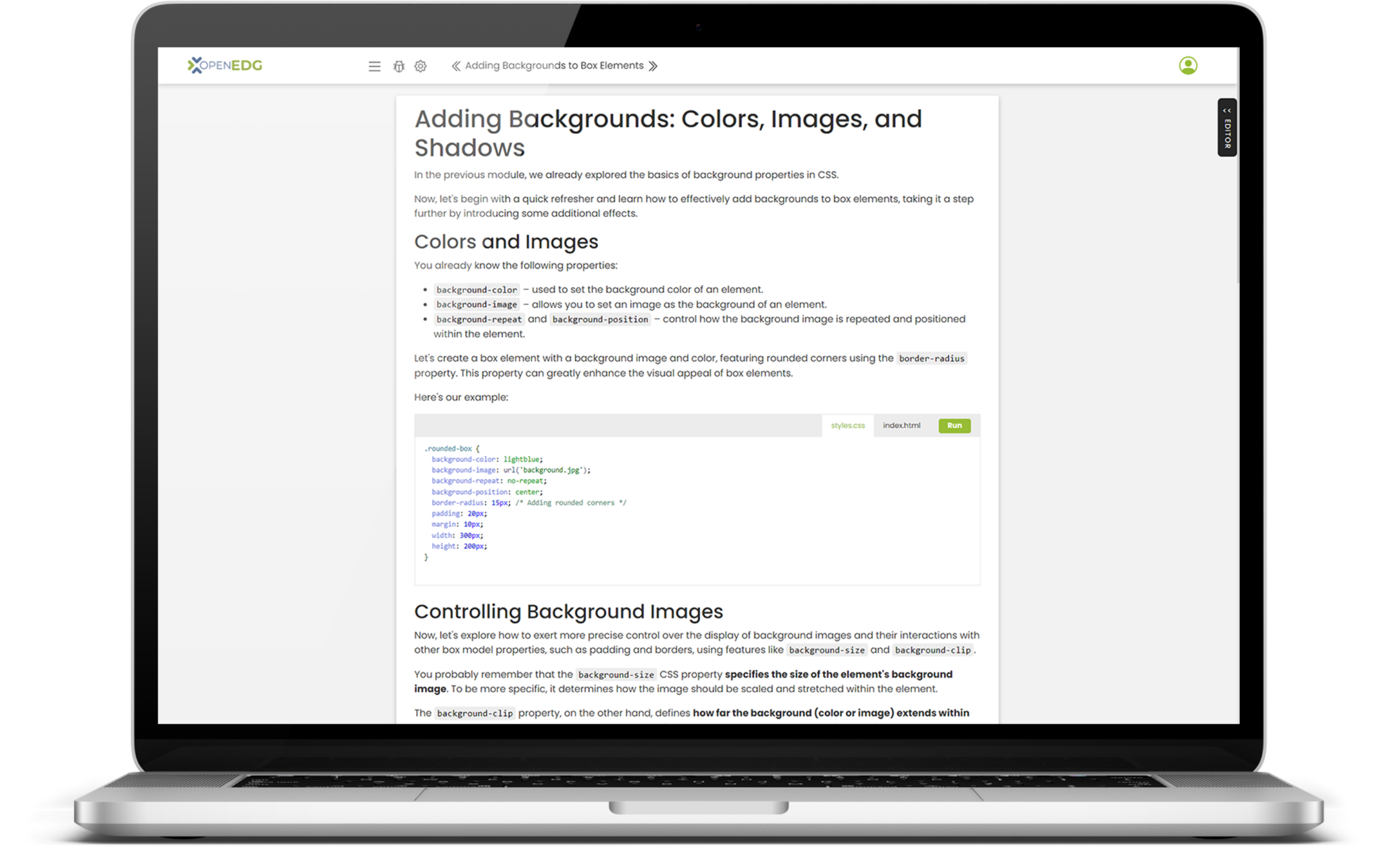

Features:
Live & Automatic Proctoring (where available)
Easy Credentials Verification
Quick & Easy Exams Delivery
Training your students?
Apply today and take advantage of all the Education Partner program benefits!
LiveProctor and AutoProctor modes
Exam delivery and scheduling depend on the examination and delivery mode. Global on-demand exam sessions do not normally require advance booking. If you are taking an exam through a school or organization, follow your instructor’s or programme coordinator’s scheduling instructions.
Where live or automatic proctoring is available, follow the proctoring and check-in instructions provided for your examination and delivery mode. For a scheduled session with a live proctor or testing center, available times depend on the provider’s opening hours or proctor availability. Consult the applicable Exam Information and Testing Policies before taking your exam.
Credential Verification Services
Each test candidate who passes the test will receive a digital credential, which they can use to promote their skills.
- Certificate verification: an official document issued by the exam sponsor, easily authenticated at https://verify.openedg.org/.
- Score report verification: an online system to verify the authenticity of a certificate holder's score report.
- Digital badge: a small digital badge that can be posted to social media, or included as an email signature, that lets people know that the holder is qualified to perform the functions related to the badge.
Technical Requirements
Use an up-to-date browser supported by your examination and delivery mode, and complete the TestNow diagnostic check before beginning your exam session. The equipment and technical requirements are:
- a desktop computer or a laptop (recommended: a desktop computer with a mouse/pointing device and keyboard)
- minimum RAM: 1 GB or more;
- minimum processor: 1.0 GHz or more;
- the most recent version of Mozilla Firefox, Microsoft Edge, Google Chrome, Safari, Opera (preferred: Google Chrome)
- JavaScript enabled in your browser (mandatory requirement)
- working audio output for listening tasks, using headphones or speakers as permitted by your exam’s delivery rules;
- for A2 and B1 speaking tasks, a working microphone and browser permission to record audio;
- a fast and stable Internet connection (recommended Internet download speed: 1.0 Mbps or higher; recommended Internet upload speed: 0.5 Mbps or higher)
- a color monitor, minimum screen resolution: 640 by 480 pixels (recommended: 1024 by 768 pixels)
- Windows 7/8/10/11 OS, MacOS X 10.0x or newer, Linux OS;
- disable automatic software or system updates (e.g., Windows updates should be turned off or set to not occur during the exam session), notifications (e.g., new email notifications), pop-up windows, and applications that can disturb or disrupt the exam session;
- whitelist the domains "*.edube.org" and "*.openedg.org"
- full access through ports 80 (http), 443 (https), and http redirects permitted.
Registration and Scheduling
- OpenEDG Test Candidates can register and take the exams online via TestNow.
- Global on-demand exam sessions do not normally require advance booking. For scheduled or institution-arranged sessions, follow the instructions from your testing provider or programme coordinator.
- Taking the exam requires that the Test Candidate have an exam voucher. Test Candidates may purchase exam vouchers at OpenEDG Voucher Store and assign them to their OpenEDG Test Candidate accounts.
Create a Test Candidate Account
- Prior to taking an exam, the candidate must create a Test Candidate Account at https://edube.org/testing-service/registration. (Fill out and submit the registration form, and activate the account by clicking an activation link sent to the email address provided in the registration form. The activation link remains valid for 7 days. The candidate must provide their personal information and address, set up a secure password, and read and accept the Terms of Service.)
- If the Test Candidate already has an active Learner account as part of their OpenEDG web profile, they must upgrade it and activate the Test Candidate account by completing the Profile Information in the My Account tab.
Please note that once your account has been set up, you will no longer be able to edit some of the information associated with your profile (i.e., your name, email address, and date of birth), so please make sure all the details you provide in the registration form are correct. Requests for changes in personal details can be submitted by contacting OpenEDG Customer Service through your OpenEDG User Account Inbox.
Purchase an Exam Voucher
To purchase an exam voucher, please go to OpenEDG Voucher Store, add the voucher to the cart, and place an order.
- During the process the client will be requested to provide billing information (invoice details and the email address where the invoice should be sent), shipping information (email address where the voucher should be sent) and read and accept the Voucher Policies. In the final stage of the order placement process, the client will be requested to make payment (PayPal/Credit card, or Wire Transfer based on a Pro Forma Invoice issued).
- Candidates may pay for exams by all major credit cards (i.e., Visa, MasterCard, American Express), Debit Cards or via PayPal account.
- The voucher purchased remains valid for at least 90 days from the date of purchase. The voucher must be used before its date of expiry.
Test candidates who already have an exam voucher can assign it to their User Account before taking the exam. The exam vouchers assigned are displayed on the OpenEDG User Account and may be used to launch exams via OpenEDG Testing Service.
Take the Exam
- Log in to your TestNow™ account
- Click Take Exam (if you have an exam voucher and wish to begin your exam session immediately) or click Launch Exam next to the voucher assigned to your OpenEDG User Account (if the voucher has been assigned to your account earlier.)
- Run the required diagnostics, check that audio playback works and, for A2/B1, that your microphone records clearly, then complete check-in and begin your exam session!
Useful Links
Log in: https://edube.org/login
Registration: https://edube.org/registration
OpenEDG Voucher Store: https://ums.edube.org/store
Credential Verification Services: https://verify.openedg.org
TestNow™ – Testing Policies: https://englishforit.org/exam-policies